
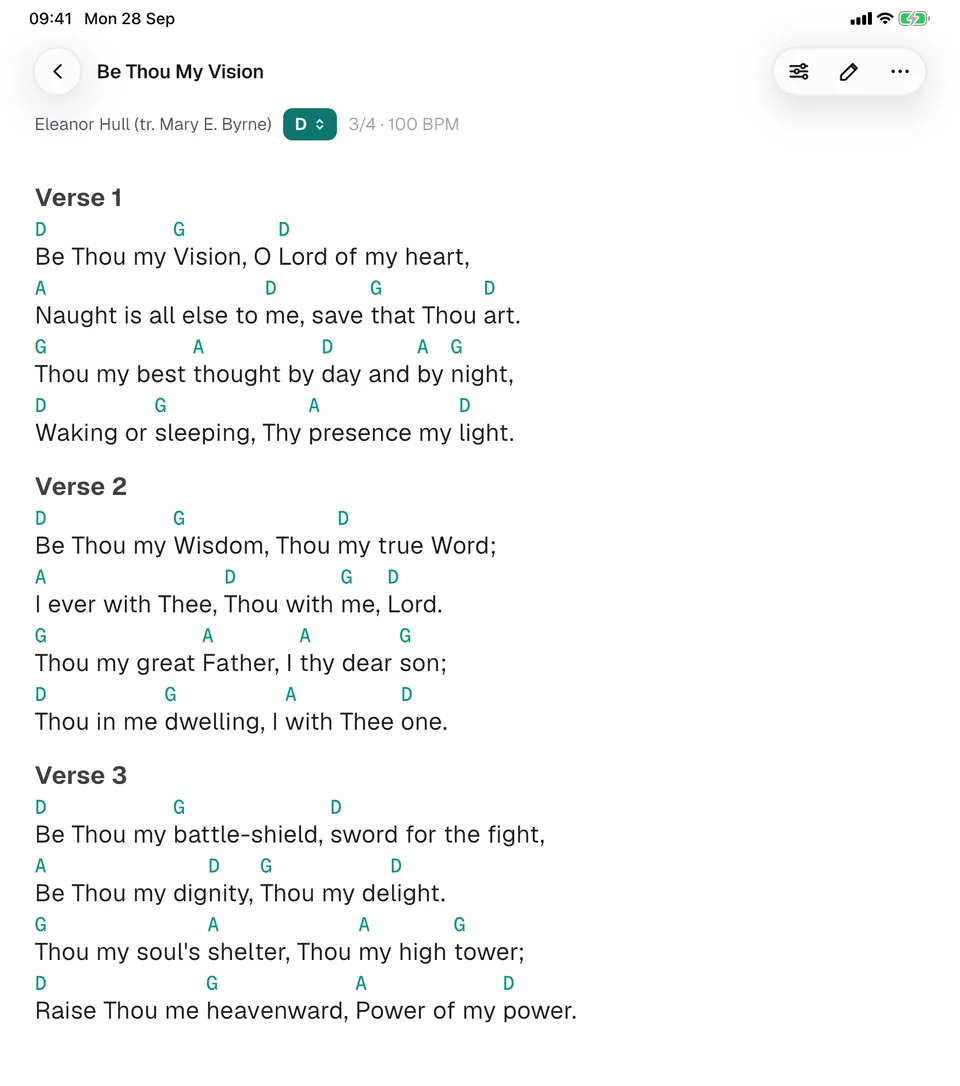
Transpose and capo
Change the key in one tap. Set a capo and GraceNote shows the shapes you play.
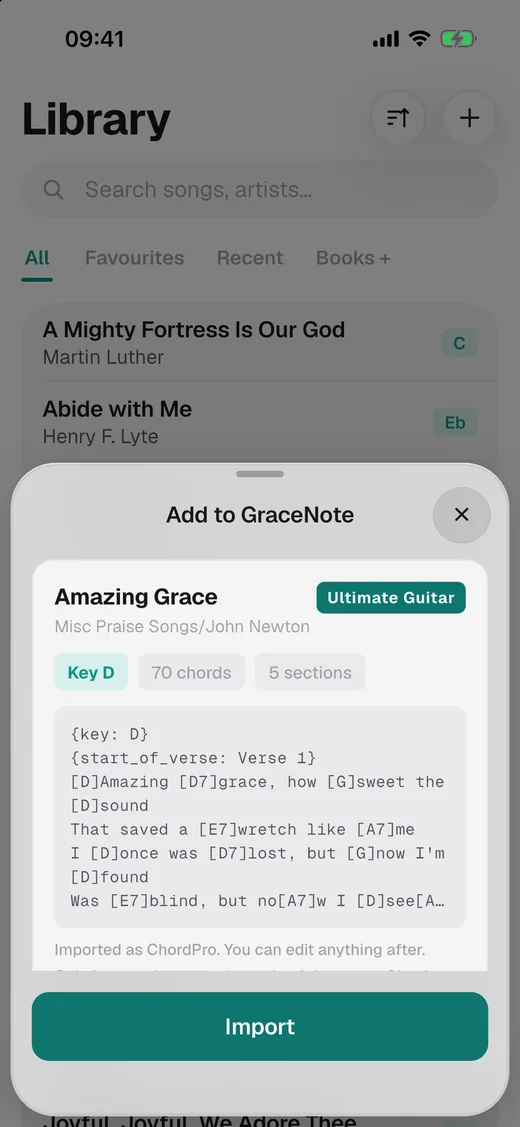
GraceNote is a free chord chart app for any musician who reads chords, from cover bands to worship teams. Bring songs in from the chord site you already use, build your set and play it on stage, with or without internet.

Import
You can also paste text or open ChordPro, text and Word files.
Only import charts you have the right to use.
On stage
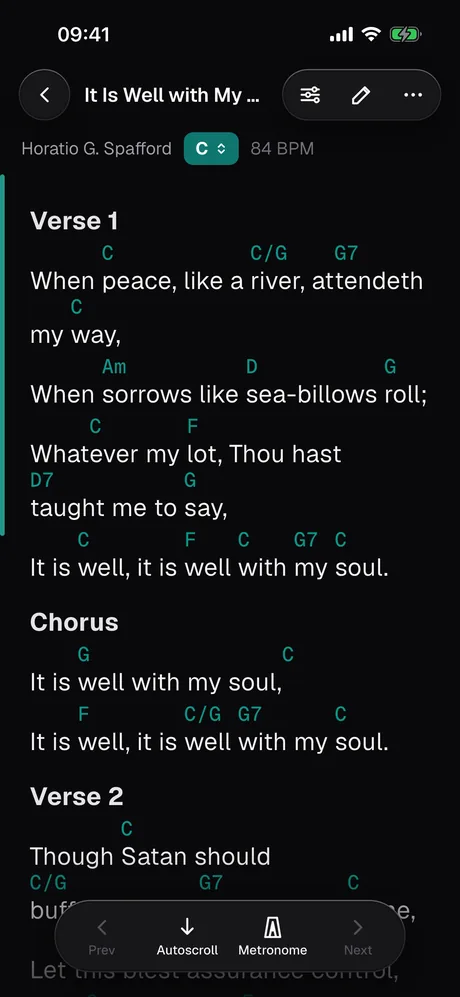
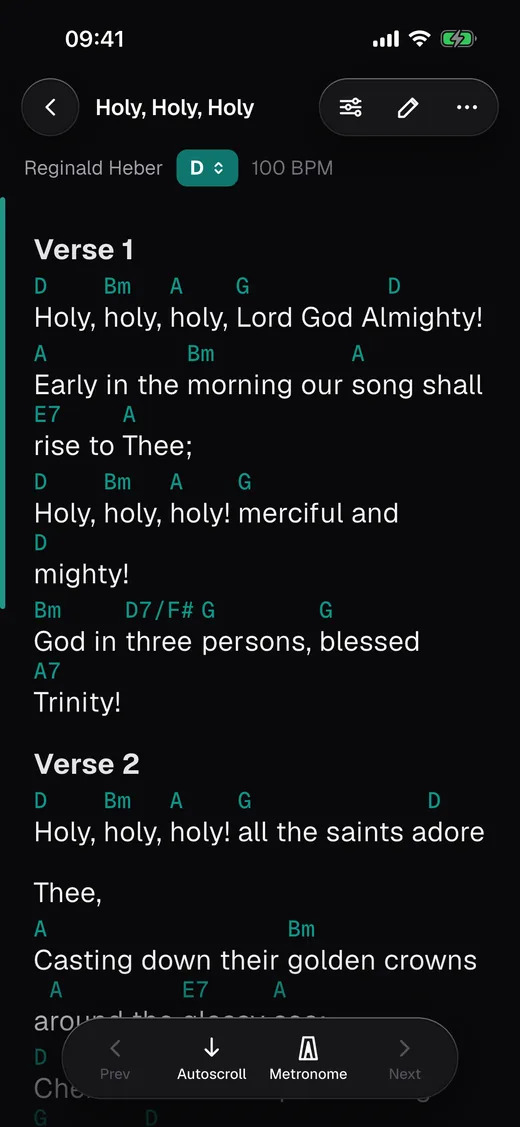
Dark by default, with big chords that stay above the right syllable. Autoscroll at your speed, a metronome when you need one, and a swipe to the next song in the set.
Sets
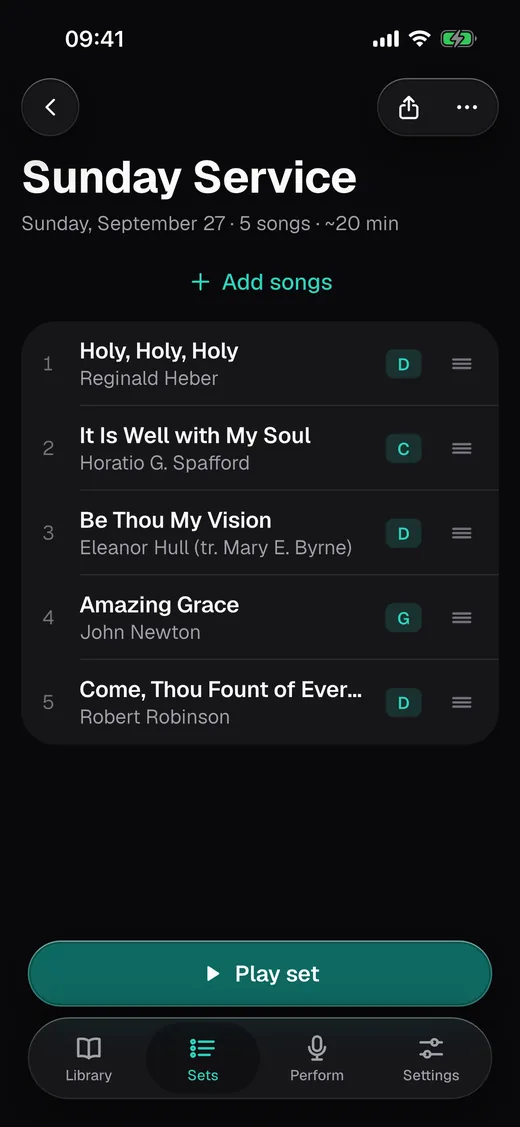
Add songs, drag them into order and put in a moment for a prayer or a break. On the day, open the set and swipe from one song to the next.
Features
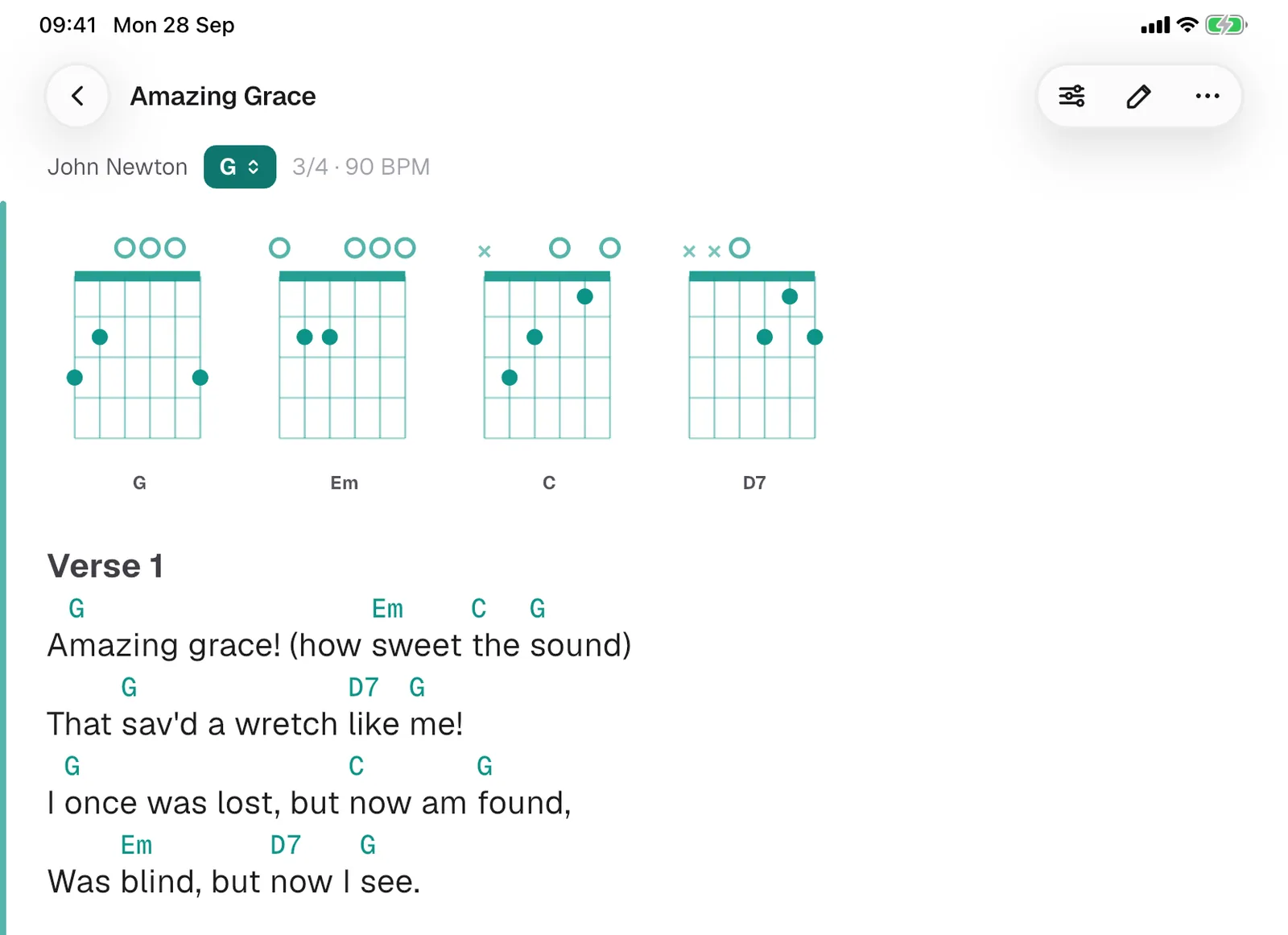
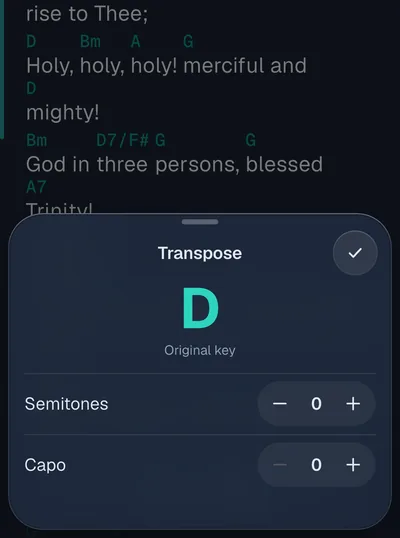
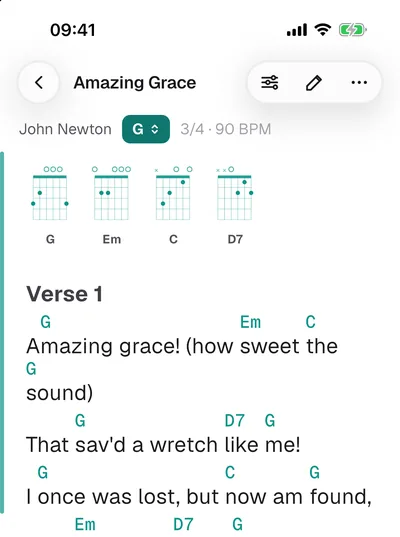
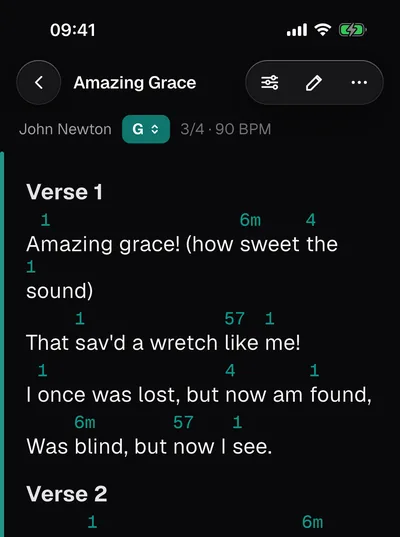
Change the key in one tap. Set a capo and GraceNote shows the shapes you play.
Guitar or piano diagrams at the top of the chart, only when you want them.
Read the chart as numbers, or as Do, Re, Mi, if that's how your band thinks.
Light for rehearsal, dark for the stage, and a dim mode in between.
Your library lives on your device. No signal backstage or in the church hall? Nothing changes.
Type a line of the chorus and find the song, even when the title escapes you.
Crash reports and usage statistics stay off unless you turn them on.
First month free
For when 50 songs and one set aren't enough, or when you play from an iPad and an iPhone. It's a yearly subscription, and the first month is free.
Yes, for up to 50 songs and one set, with the rest of the app included: playing on stage, transpose, autoscroll, the editor and every way to add songs. Pro removes the limits and adds sync, backup and export. It's a yearly subscription, and the first month is free.
Nothing you've added goes away. You can still open, play and edit every song. To add the 51st, delete one or start Pro.
No. Open the app and start adding songs.
Yes. Songs, sets and settings are stored on your device. You only need a connection to import a song from a website.
iPad and iPhone with iPadOS or iOS 15 or later. The app is in English and Portuguese.
From you. GraceNote doesn't include or sell songs: you import charts from sites, from files or by typing them. Only import charts you have the right to use, and check each site's terms.
Backup and export are part of GraceNote Pro. In the free app your songs stay on your device, and your iPhone or iPad's own iCloud backup keeps them along with the rest of the device.
GraceNote runs on iPad and iPhone.